Accessing the Template Editor
Navigate to Settings → Stack Configuration to access the template editor.Sections
Sections are groups of related fields. Examples:- Microsoft 365
- Backup & Disaster Recovery
- Connectivity
- Security
Section Options
| Option | Description |
|---|---|
| Section Title | The name displayed for this section |
| Multi-Instance | Allow multiple instances of this section per customer (e.g., multiple internet connections) |
| Assignable (Section) | When multi-instance is enabled, allow individual instances to be assigned to specific users |
Fields
Each section contains fields that capture specific information.Field Types
| Type | Use Case |
|---|---|
| Text | Short text like names, IDs |
| Number | Quantities, counts |
| Dropdown | Select from predefined options |
| Date | Dates for renewals, expirations |
| Checkbox | Yes/No values |
| URL | Links to external portals |
Field Options
| Option | Description |
|---|---|
| Field Label | The name shown to users |
| Alias Name | Alternative display name for products |
| User Assignable | This service can be assigned to individual users |
| Device Assignable | This service can be assigned to individual devices |
| Billable | Automatically creates a product in your catalog when enabled |
| Default Unit Rate | When billable, the default price per unit |
Multi-Instance Sections
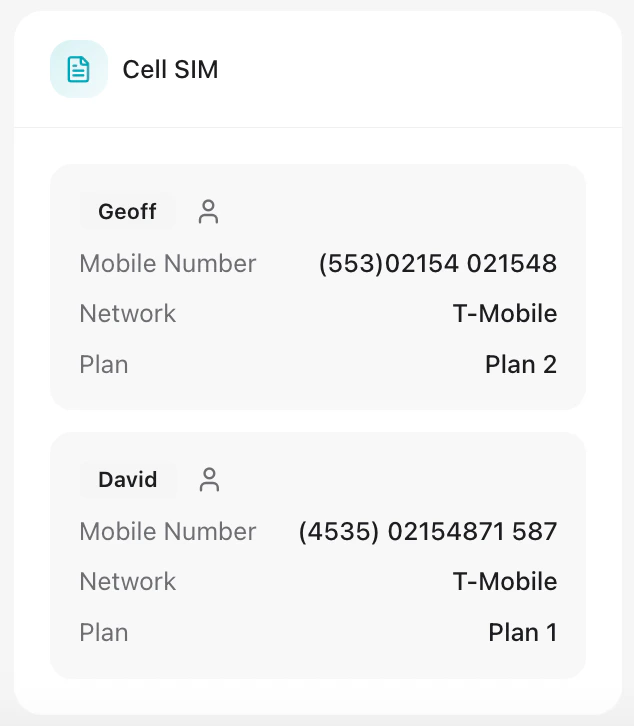
For services where customers may have multiple instances (like internet connections or SIM cards):- Enable Multi-Instance on the section
- Optionally enable Assignable if instances can be tied to specific users
- Each instance gets a custom label (e.g., “Primary Fiber”, “Backup LTE”)