
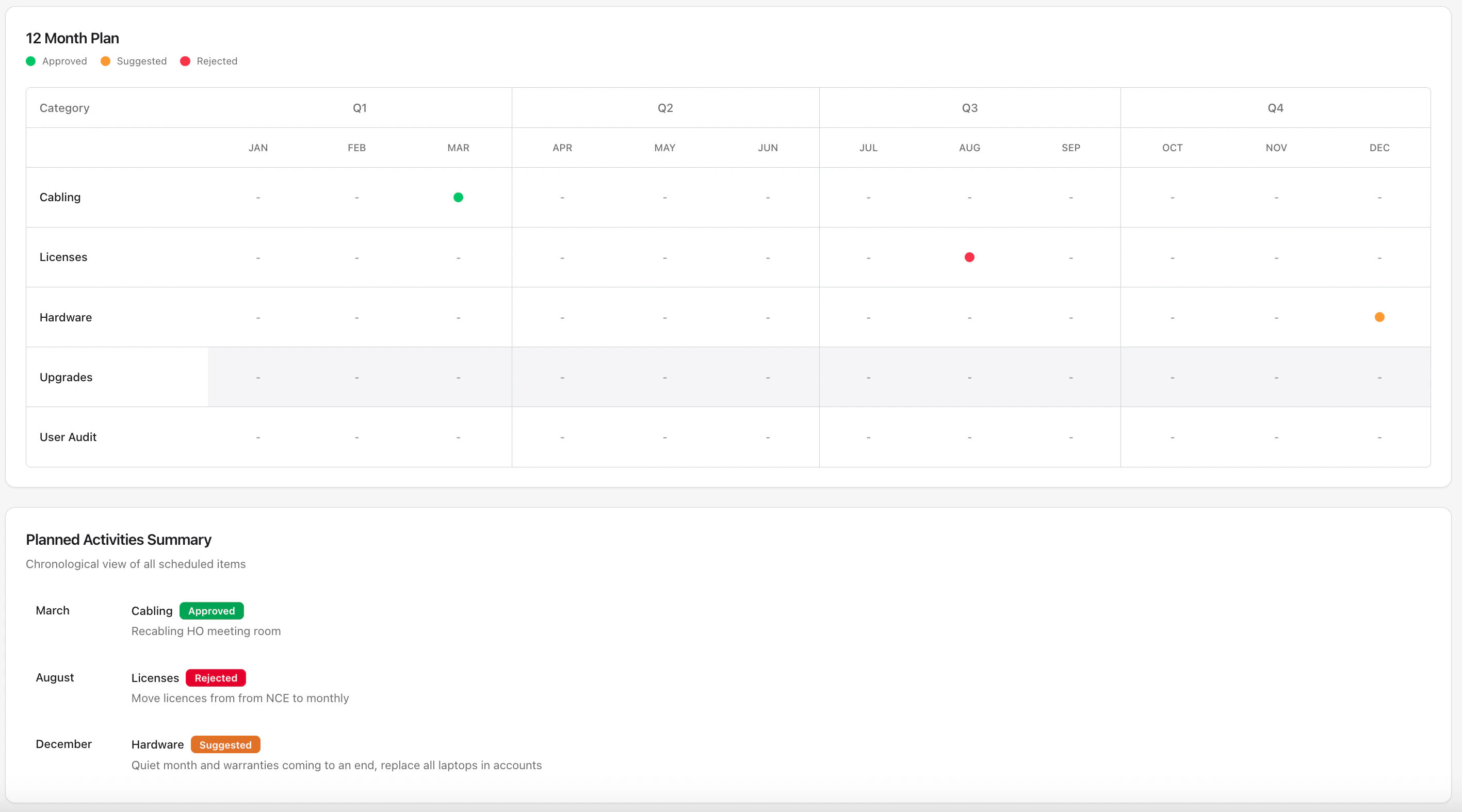
Accessing Year Plan
- Open a customer’s detail page
- Navigate to the Year Plan tab
Adding Planned Items
- Click Add Item
- Enter the project or initiative details
- Assign it to a month or quarter
- Add any notes or context
Use Cases
- Scheduled hardware refreshes
- Planned migrations
- Annual security reviews
- Budget planning items
- License renewals