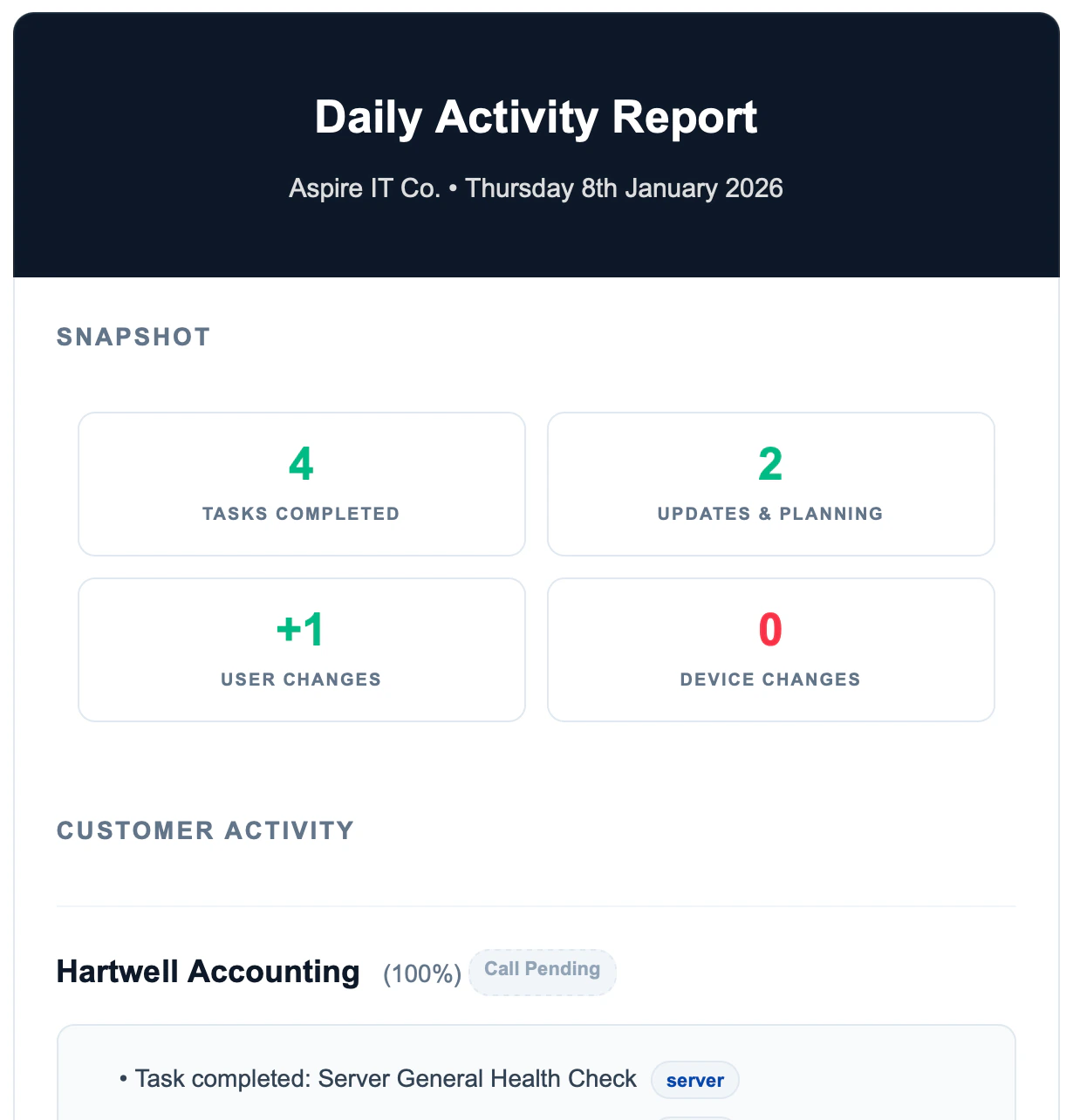
Enabling Daily Summaries
- Go to Settings
- Find the Daily Summary section
- Enable the feature
- Configure recipients
What’s Included
The daily summary aggregates:- Tasks completed across all customers
- Issues logged
- New users or devices added
- Contract changes
- Team activity
Configuration Options
| Option | Description |
|---|---|
| Enabled | Turn daily summaries on/off |
| Recipients | Who receives the email |
| Send Time | When the email is sent |
Use Cases
- Morning briefing for managers
- Keep leadership informed without logging in
- Spot patterns across customers
- Track team productivity